
Add your policies & FAQ
Write your payment, cancellation and document rules once. Every package shows them under “Before you book”.
- Takes about 10 min
- 4 steps
- Every plan
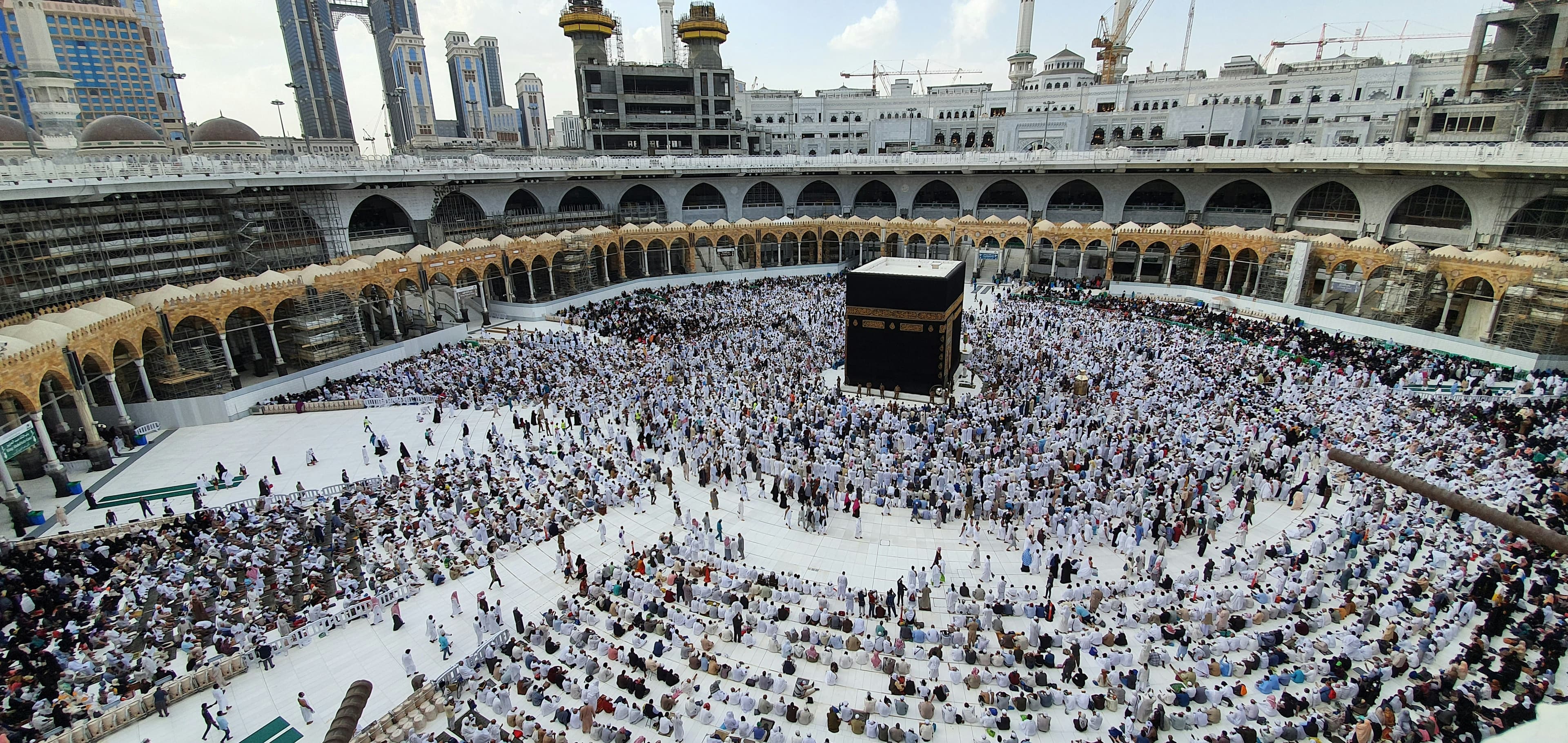
Video walkthrough coming soon
Until then, the written steps below cover everything.
Step by step
Step by step
Step 1
Open Policies & FAQ
You’ll find it in your dashboard menu.
Step 2
Write your policies
Add your payment, cancellation and document rules. They appear on every package page and in its PDF brochure.
Step 3
Add your FAQ
Answer the questions pilgrims ask you most. Your FAQ appears on your website.
Step 4
Change them for one package
If a package has different terms, change them in that package’s Policies section.
More guides
All guides
لَبَّيْك
Pilgrims are searching. Make sure they find you.
Set up your website today and share it before your next departure.