
Create a package by hand
Start from a ready-made package or a blank form: hotels, room prices, departures, inclusions and a day-by-day itinerary.
- Takes about 15 min
- 5 steps
- Every plan
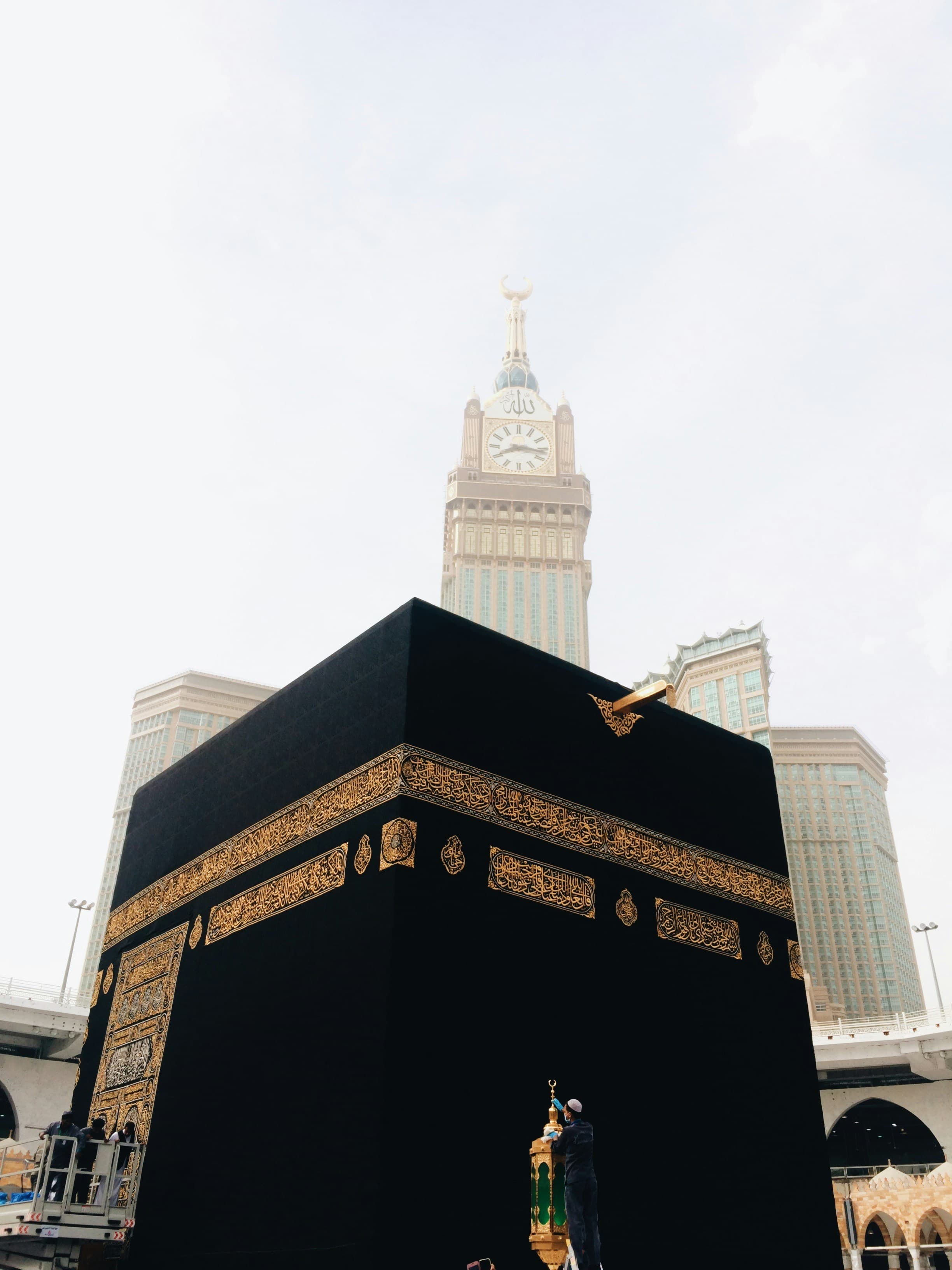
Video walkthrough coming soon
Until then, the written steps below cover everything.
Step by step
Step by step
Step 1
Choose how to start
In Packages → New package, pick a ready-made package such as Ramadan Last 10 Nights or Winter Family, or begin with a blank page.
Step 2
Fill in the basics
Name, kind of package, duration, departure city and a cover photo. Turn on “Feature on your home page” to show it first.
Step 3
Add stays and prices
Add each hotel in the order pilgrims stay, with its distance to the Haram. Then enter per-person prices for each room type, and child prices if you have them.
Step 4
Departures, inclusions and itinerary
Add your departure dates, tick what’s included and what isn’t, and outline the key days — arrival, Umrah, ziyarat, travel and return.
Step 5
Publish
Drafts stay private. Publish when you’re ready and the package appears on your website straight away.
More guides
All guides
لَبَّيْك
Pilgrims are searching. Make sure they find you.
Set up your website today and share it before your next departure.