
Make posts with Flyer Studio
Turn any package into a ready-to-post flyer for Instagram, WhatsApp and Facebook, with a caption written for you.
- Takes about 3 min
- 4 steps
- Every plan
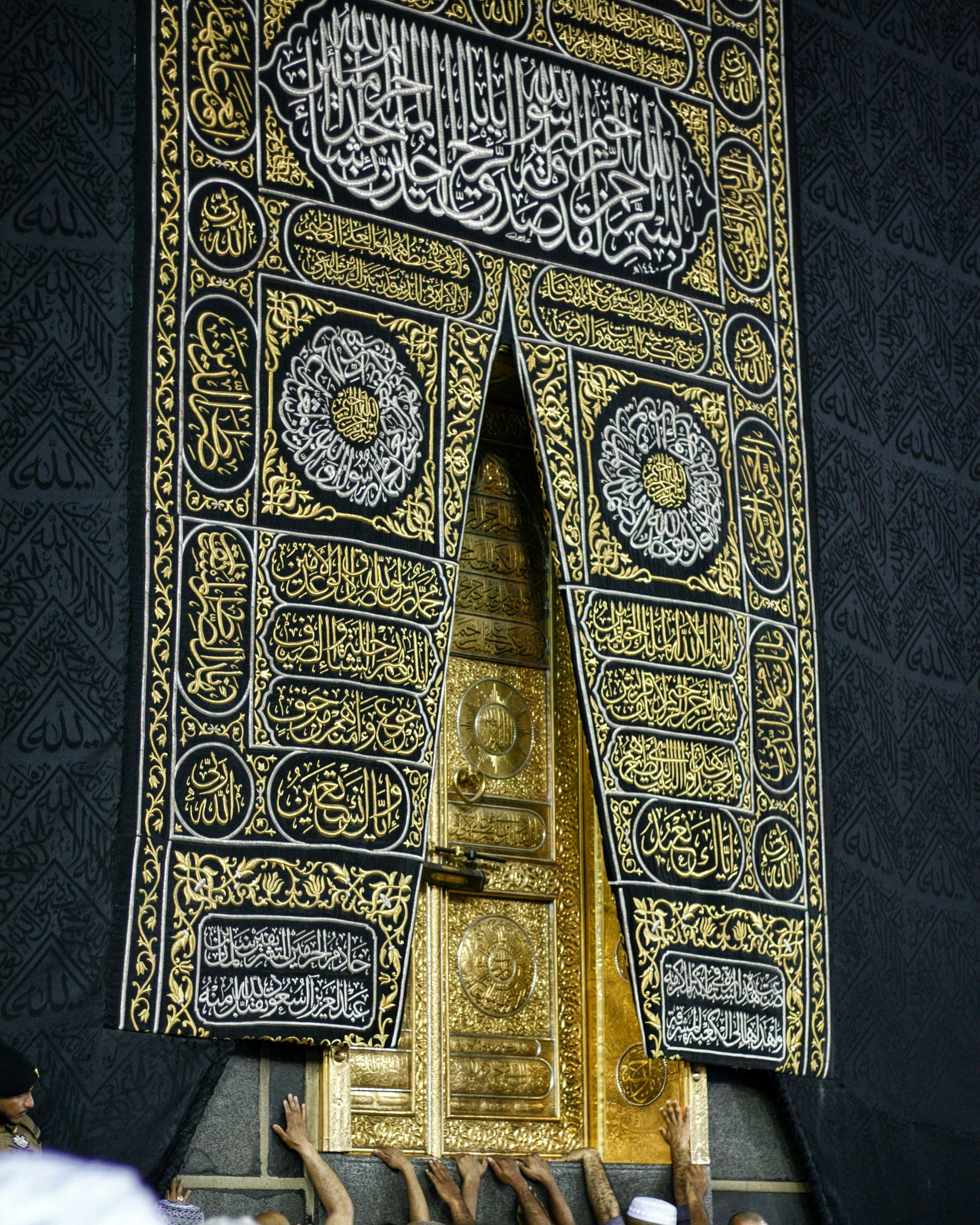
Video walkthrough coming soon
Until then, the written steps below cover everything.
Step by step
Step by step
Step 1
Pick a package and a size
Open Promote → Flyer Studio and choose a package. Then pick a size: Instagram post, Instagram portrait, Status & story, or Facebook & ads.
Step 2
Choose a design
Haram Gold, Emerald Geometry or Ivory Editorial — each carries your logo, colours and contact details. Hide room prices if you share them only in the chat.
Step 3
Get a caption
Choose a language and AI writes the caption from your package details only — nothing made up. Edit it as you like.
Step 4
Download and share
Download the flyer, copy the caption and post. Saved flyers stay in My flyers, ready to post again or to use in an ad.
More guides
All guides
لَبَّيْك
Pilgrims are searching. Make sure they find you.
Set up your website today and share it before your next departure.