Run Facebook & Instagram ads
Pick a package and a daily budget. Labbyk builds the ad, aims it at people interested in Umrah near you and sends them to your WhatsApp.
- Takes about 5 min
- 4 steps
- Available on Growth and Scale plans
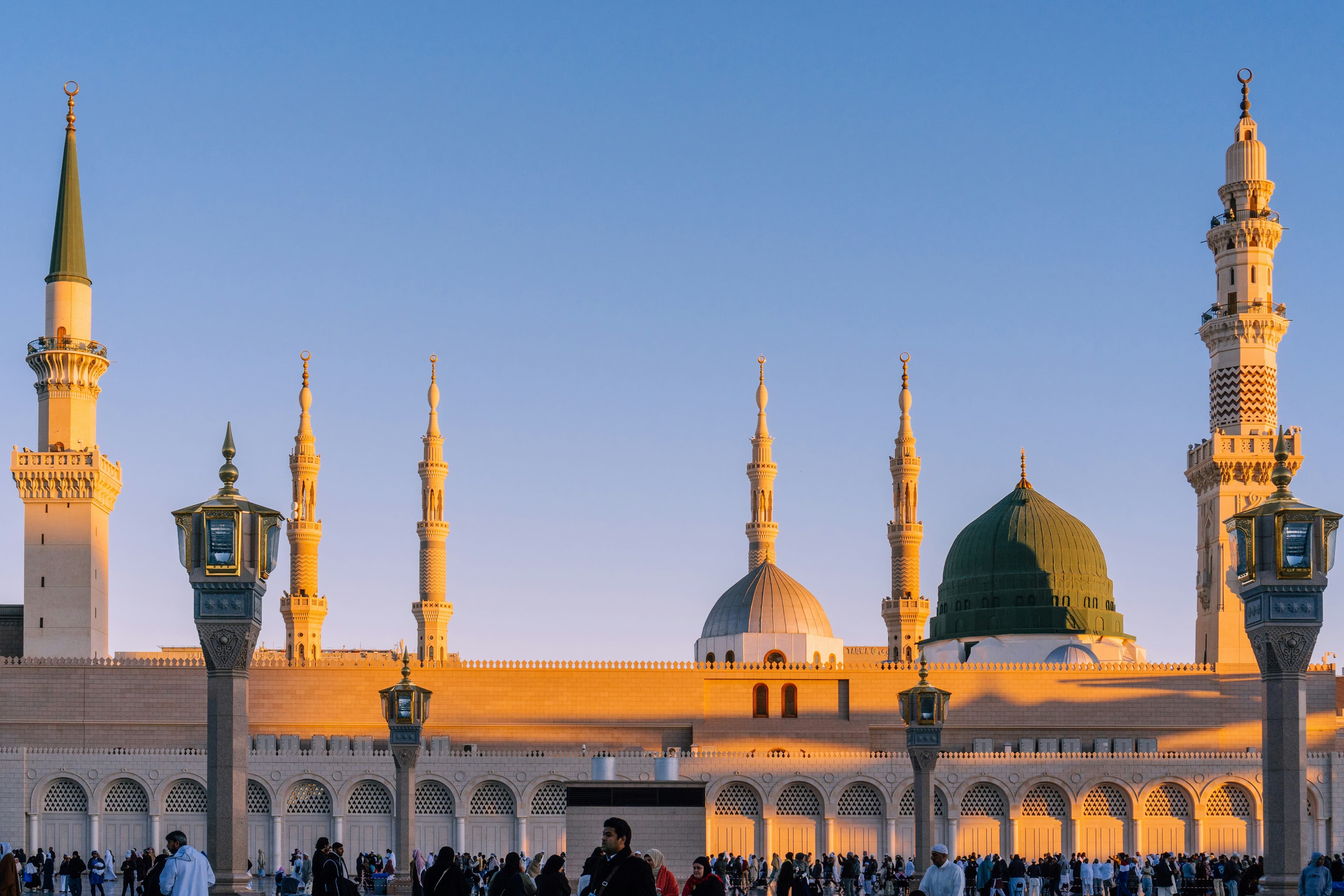
Video walkthrough coming soon
Until then, the written steps below cover everything.
Step by step
Step by step
Step 1
Connect your Page and ad account
In Promote → Facebook & Instagram ads, connect Facebook, then choose your Page and the ad account Meta bills.
Step 2
Pick a package
Choose what to promote, and where clicks go: a WhatsApp chat with you, or the package page.
Step 3
Set a budget
Choose a daily budget, like ₹200, and how long to run. You see the most you’ll spend before you launch.
Step 4
Launch and follow the results
See your spend, WhatsApp chats and cost per enquiry. Pause or stop the ad any time.
More guides
All guidesلَبَّيْك
Pilgrims are searching. Make sure they find you.
Set up your website today and share it before your next departure.