
Make it look like your agency
Add your logo, colours, fonts and photos, and the agency details pilgrims check before they call.
- Takes about 10 min
- 5 steps
- Every plan
Video walkthrough coming soon
Until then, the written steps below cover everything.
Step by step
Step by step
Step 1
Choose your design
In Branding, switch designs any time. Your packages and content carry over, so nothing needs redoing.
Step 2
Add your logo and colours
Upload your logo, then set your colours and headline font. They’re carried through every page of your website.
Step 3
Pick your photos
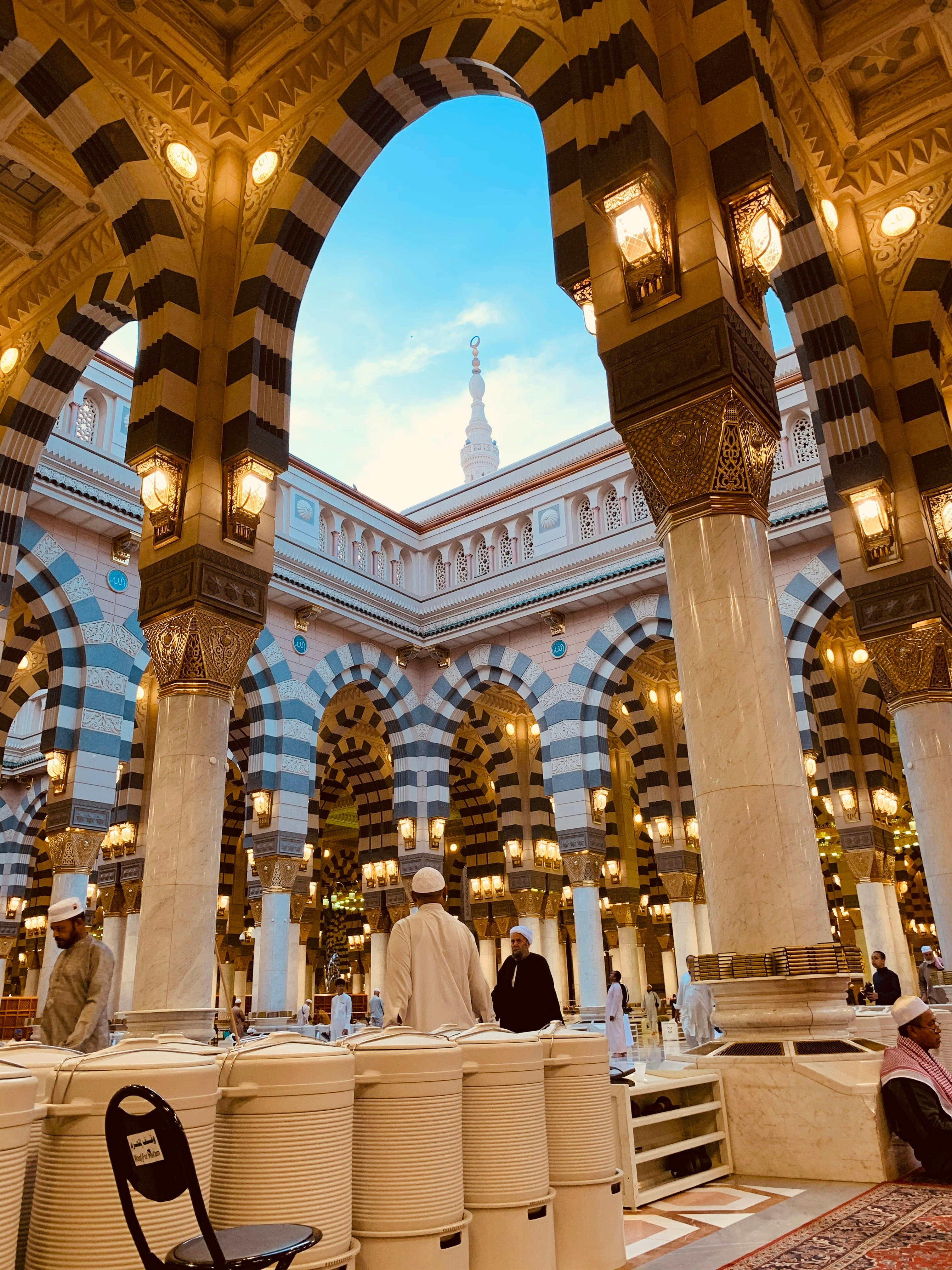
Use your own photos, or choose from the built-in library of Makkah and Madinah photography for your home page and package covers.
Step 4
Preview, then publish
Check your changes in the preview before they go live.
Step 5
Complete your agency profile
In Agency profile, add your address, phone numbers and licence details. They appear on your contact page and in your trust badge.
More guides
All guides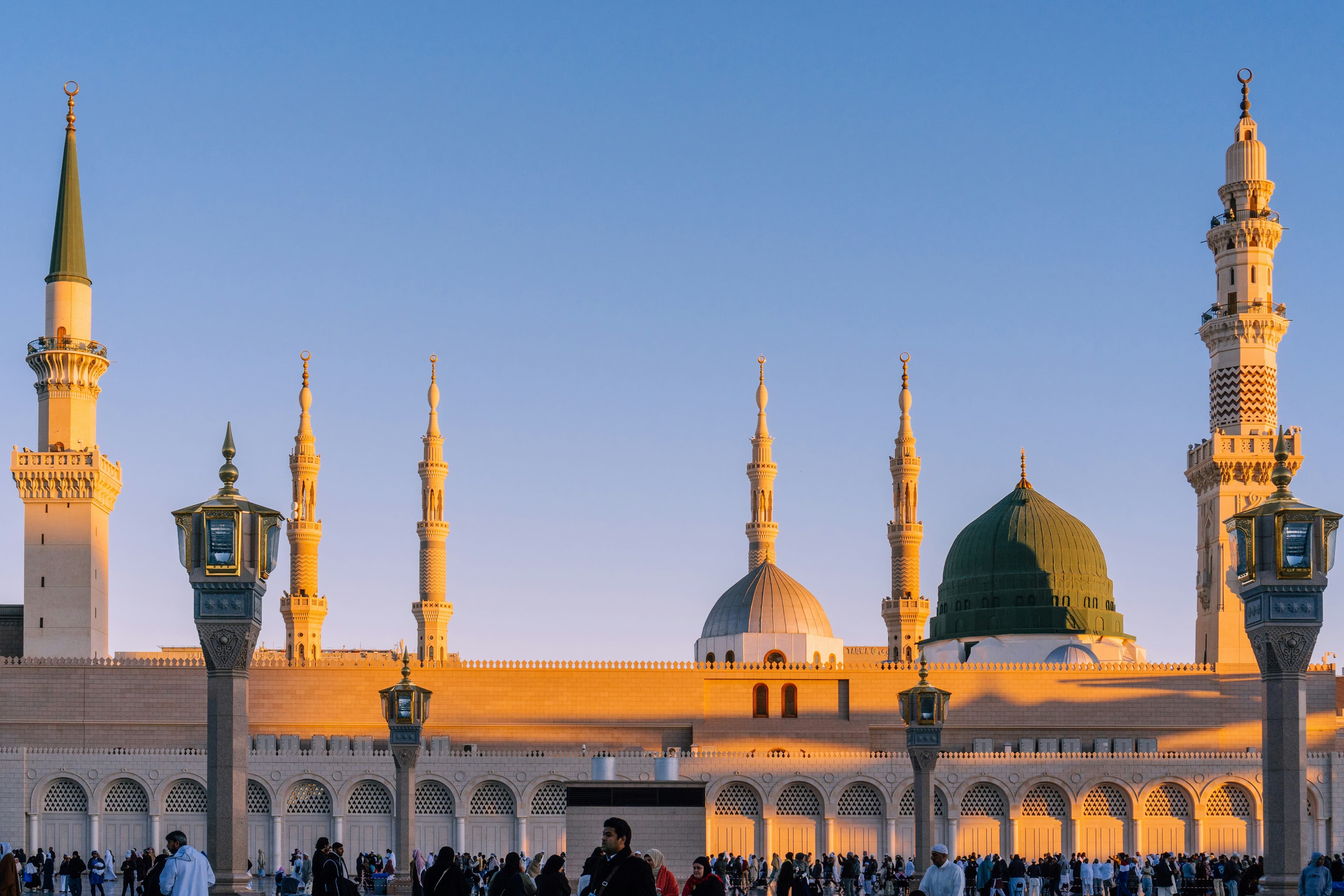
لَبَّيْك
Pilgrims are searching. Make sure they find you.
Set up your website today and share it before your next departure.